
Essential Smart Devices for DIY Cleaning & Maintenance Your Wallet Will Thank You For (Winter, December)
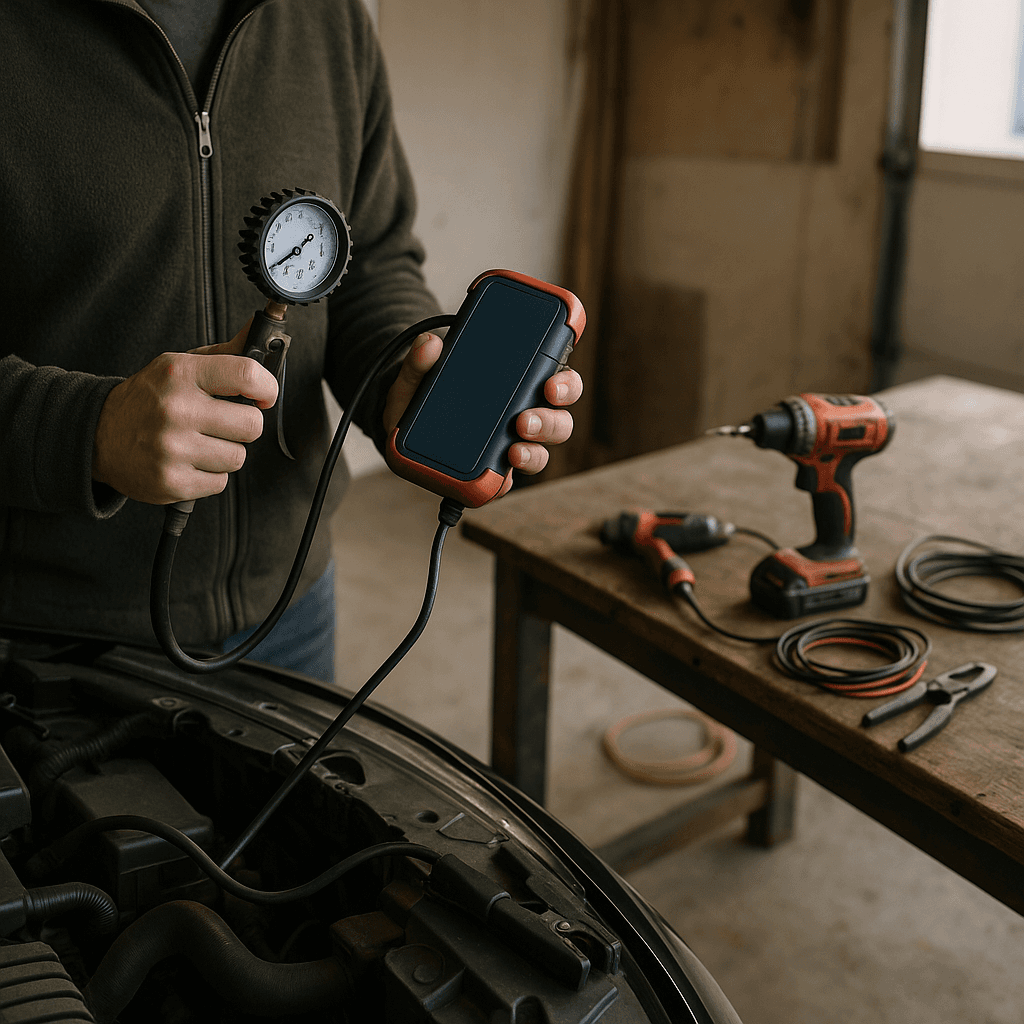
Tools Needed
Safety Tips
- Read the manufacturer’s manual before use.
- Keep floors clear of obstacles to prevent device jams.
- Ensure devices are charged and properly connected before operation.
- Handle cleaning solutions carefully when refilling smart mops.
- Regularly check and replace filters to maintain air purifier safety.
Essential Smart Devices for DIY Cleaning & Maintenance Your Wallet Will Thank You For
As winter rolls in and the days get shorter, the last thing you want to do is spend hours scrubbing and cleaning your home. If you're like me, you want to enjoy the cozy evenings with a cup of hot cocoa rather than cleaning the floors for the umpteenth time. Luckily, the world of smart devices has come to our rescue with innovative tools that save us time and hassle. This guide is for DIYers seeking effective, safe cleaning methods without breaking the bank. Trust me, the first time I used a smart vacuum, I couldn't believe how much time it saved me!
Before You Start / What to Know Up Front
Before diving into this DIY cleaning adventure, it’s essential to understand what you’re getting into. Smart devices can simplify your cleaning routine, but they also come with a learning curve. The first time I set up a smart vacuum, I spent more time than I’d like to admit figuring out the app and settings! But once I got the hang of it, I couldn’t imagine going back to a regular vacuum.
Be prepared to familiarize yourself with the features of each device. Some devices require a Wi-Fi connection or an app on your smartphone, which can feel overwhelming if you’re not tech-savvy. However, if you’re comfortable with basic tech, you’ll find these devices incredibly rewarding.
It's also worth noting that while these tools can do a lot, they’re not a one-size-fits-all solution. For instance, a smart mop may struggle with heavy, sticky messes, so keep your expectations realistic. By the end of this article, you’ll have a solid grasp of various smart cleaning devices and how to integrate them into your cleaning routine effectively.
Method Overview
So, what’s the approach we’re taking? We’ll explore a variety of smart devices designed for cleaning and maintenance. These include smart vacuums, mops, and even air purifiers. The beauty of these tools is that they automate repetitive tasks, allowing you to focus on more enjoyable activities.
Smart vacuums, for example, use sensors and mapping technology to navigate your home efficiently. They’re great for daily maintenance cleaning, keeping dust and pet hair at bay with minimal effort on your part. However, they may not perform as well on high-pile carpets or in homes with lots of obstacles, like toys or furniture. Most DIYers I see forget to clear these obstacles before starting their vacuums, which can lead to frustrating interruptions.
On the other hand, smart mops can sanitize your floors, but they might struggle with tough stains. Understanding when and where to use these devices is crucial for getting the best results.
Deep Step Detail
Now, let’s get into the nitty-gritty of using these smart devices. Here’s a step-by-step guide on how to incorporate them into your cleaning routine:
1. Choose Your Smart Devices Wisely
Begin by selecting the right tools for your needs. Some popular choices include:
- Smart vacuum (e.g., Roomba, Roborock)
- Smart mop (e.g., iRobot Braava)
- Smart air purifier (e.g., Dyson, Levoit)
Consider your home’s layout and flooring types. If you have pets, a vacuum with strong suction and a good filtration system is essential. I learned this the hard way when my first vacuum couldn’t handle the dog hair on my carpet, leading to frequent clogs.
2. Set Up Your Devices
Once you’ve chosen your devices, follow the manufacturer instructions for setup. This might include charging the device, downloading an app, and connecting to your Wi-Fi. When I set up my first smart vacuum, I learned the hard way that skipping the app setup led to a lot of confusion later! Take your time here to ensure everything is connected properly.
3. Create a Cleaning Schedule
Most smart devices allow you to set a cleaning schedule. This is where the magic happens! For instance, I set my vacuum to clean every morning while I’m getting ready for work. It’s a game-changer! Just make sure to clear the floor of any obstacles before the scheduled cleaning begins; I can’t tell you how many times I’ve had to rescue my vacuum from behind a chair because I forgot to move it.
4. Monitor and Adjust Settings
After your devices have been working for a while, check the app for insights. Many smart vacuums will show you areas they’ve cleaned and how often. If you notice specific spots that are missed, adjust the settings to focus on those areas. I once had to adjust my vacuum’s cleaning path after it kept ignoring a corner of my kitchen. Taking the time to monitor performance can vastly improve results.
5. Maintain Your Devices
Regular maintenance is key to keeping your devices running smoothly. Empty dust bins, clean filters, and check for any blockages after each use. I can’t stress enough how many DIYers forget to clean the brushes on their vacuums, leading to decreased performance over time. I’ve seen vacuums lose suction because the brushes were completely tangled with hair!
6. Combine Devices for a Comprehensive Clean
Don’t hesitate to use multiple devices in conjunction. For example, you might run your vacuum to pick up loose debris and then follow up with a smart mop for a deeper clean. This two-step method has worked wonders for me and keeps my floors looking pristine. I always do this after hosting family dinners when crumbs seem to multiply overnight.
Troubleshooting & Fix-ups
No matter how smart your devices are, you might run into some hiccups along the way. Here are some common issues and how to fix them:
- Device Not Connecting to Wi-Fi: Make sure your router is functioning correctly, and the device is within range. If it’s still not connecting, try resetting the device according to the manufacturer’s instructions.
- Vacuum Getting Stuck: This is a common occurrence, especially in homes with lots of furniture. Consider using boundary markers or adjusting the vacuum’s cleaning path in the app. I learned that placing small rugs as markers can help guide the vacuum.
- Mop Not Dispensing Solution: Check the water tank for clogs or ensure it’s filled correctly. I once found that a small piece of debris was blocking the nozzle, causing all sorts of frustration!
- Air Purifier Not Working: Ensure the filter is installed correctly and is not clogged. Regular filter replacement is crucial for optimal performance. I’ve made it a habit to check my purifier monthly to avoid any surprises.
Common Mistakes & How to Avoid Them
Over the years, I’ve seen many DIYers make the same mistakes when using smart cleaning devices. Here’s how to avoid them:
- Not Reading the Manual: Each device comes with specific instructions for optimal use. Skipping this step can lead to poor performance or even damage.
- Ignoring Maintenance: People often forget to clean or replace filters and brushes. Set a reminder for yourself to do this regularly. I use my phone to alert me every month, which keeps everything in check.
- Overloading the Device: Smart vacuums and mops have limits on how much debris they can handle. Empty them regularly to avoid clogs and ensure they can operate effectively. I remember when I didn’t empty my vacuum after a week, and it simply stopped working!
- Setting Unrealistic Expectations: While these tools are fantastic, they’re not magic. Heavy-duty cleaning still requires some elbow grease. Accept that a smart mop won’t replace a good manual scrubbing for tough stains.
- Neglecting to Clear Obstacles: Many DIYers forget to tidy up before running their devices. Take a few minutes to declutter the area to maximize cleaning efficiency. I often dedicate a quick 5 minutes to this before I set my devices to clean.
- Forgetting to Update Software: Check for updates in the app regularly. Manufacturers often release updates that improve performance and fix bugs. It’s a simple step that can enhance your device’s functionality.
Pro Tips & Lessons Learned
Having used smart cleaning devices for a while now, I’ve picked up a few tricks that can save you time and money:
- Utilize Voice Commands: If you have a smart home assistant, connect your devices for hands-free control. I can start my vacuum with a simple voice command, which is a real time-saver!
- Use the Right Cleaning Solutions: For smart mops, always use the recommended cleaning solutions. I’ve seen people use regular floor cleaners, which can damage the device. Stick with what the manufacturer suggests.
- Schedule Maintenance During Off-Peak Hours: Set your devices to clean when you’re not home or during times when you won’t be disturbed. This way, you can come back to a clean house without interruption.
- Experiment with Settings: Don’t hesitate to try different cleaning modes to see what works best for your home. I found that using a higher suction setting on my vacuum made a huge difference during shedding season. It’s amazing how much more effective it can be!
- Plan for Seasonal Deep Cleaning: While smart devices are great for regular maintenance, plan for more thorough cleanings every season. This will help extend the life of your devices and keep your home in top shape.
- Invest in Quality Products: You don’t have to go for the most expensive options, but investing in a reputable brand can save you money in the long run. I’ve had cheaper vacuums break down quickly, while my mid-range one has lasted for years.
Budget & Time Signals
Now, let’s talk about what you can expect in terms of budget and time. Smart cleaning devices can range in price significantly:
- Smart Vacuums: Expect to pay between $200 to $1,000 depending on features and brand. The more advanced models with mapping technology tend to be on the higher end.
- Smart Mops: These typically range from $150 to $500. Again, it depends on the features, like automatic solution dispensing.
- Air Purifiers: You can find these anywhere from $50 to $600, depending on the size and filtration system.
In terms of time, setting up these devices might take an hour or two, depending on how tech-savvy you are. After that, the regular cleaning schedules should only take a few minutes of your time each week to monitor.
When to Call a Pro
While smart devices are fantastic for everyday cleaning, there are times when it’s better to call in a professional. Here are a few signs:
- Persistent Stains or Damage: If you have tough stains that won’t budge or structural damage to your home, it’s best to consult a professional cleaner or contractor.
- Air Quality Issues: If you’re noticing persistent allergies or air quality problems despite using an air purifier, it might be time to have your HVAC system checked.
- Bigger Projects: If you’re considering deep cleaning carpets or upholstery, professional equipment often yields better results than smart devices.
- Device Malfunction: If your smart devices are not functioning correctly despite troubleshooting, it’s better to call a professional repair service rather than risk further damage.
Conclusion
In conclusion, smart cleaning devices can genuinely enhance your DIY cleaning routine, saving you time and effort while keeping your home clean and fresh. By choosing the right devices, setting them up properly, and maintaining them, you can transform your cleaning experience. Remember to take it one step at a time and don’t hesitate to reach out for help if you need it.
So what’s the next step? If you haven’t already, consider investing in a smart vacuum or mop that fits your needs. You’ll be amazed at how much easier cleaning can be! Embrace the future of cleaning, and let these smart devices do the heavy lifting for you.
Recommended Gear
Disclosure: As an Amazon Associate, we may earn from qualifying purchases at no extra cost to you.
Common Mistakes
- Not reading the manual leading to improper use.
- Ignoring regular maintenance causing decreased performance.
- Overloading devices without emptying dust bins or tanks.
- Setting unrealistic expectations about device capabilities.
- Failing to clear obstacles before cleaning cycles.
- Neglecting software updates for devices and apps.


)